On this page
Notes for Git Rebasing
This is literally a mental note for me because I continually forget how to rebase in git
Hard Rules
First up, there are a couple of rules when rebasing:
- NEVER rebase onto the main branch, only do a rebase on your own feature branch
- NEVER pull re-written history, just push
Rebase Flow
VSCode has a really nice UI for resolving Git conflicts, so I’ve set VSCode to open when any conflicts need resolving. The rest of the rebase I do from the command line. The flow is:
git checkout main
git fetch
git status
git pull
git branch
git checkout ${feature-branch}
git rebase -i main
- The interactive flag
-iwill initiate a rebase using VSCode to resolve any conflicts - If there are no conflicts it will just rebase successfully
- If there are conflicts, resolve in VSCode then
git add .
git rebase --continue
Once all conflicts have been resolved:
git push —-force-with-lease
That will push the rebase but abort if there are any issues.
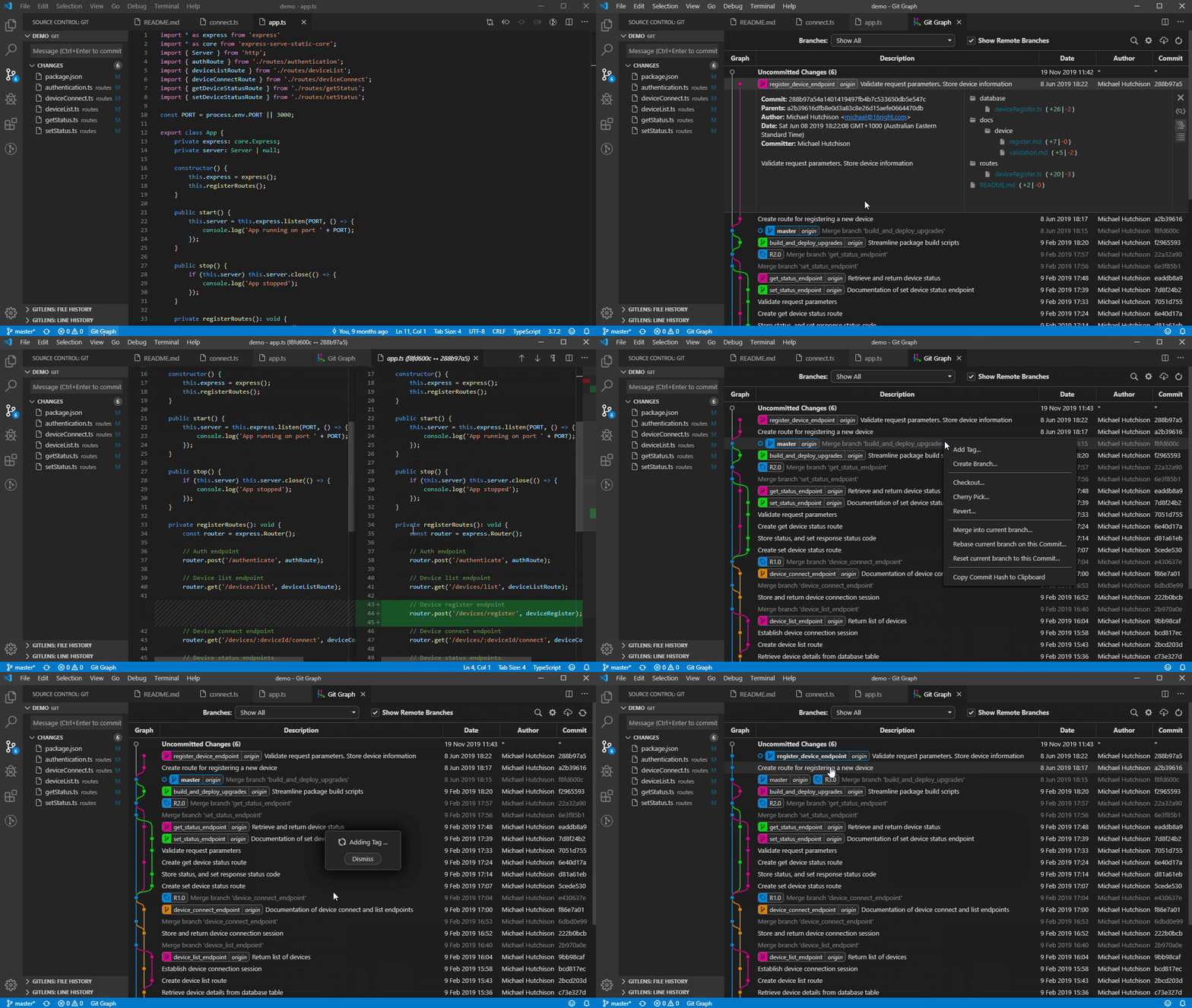
To review and check how the rebase went I use the excellent Git Graph VSCode extension.